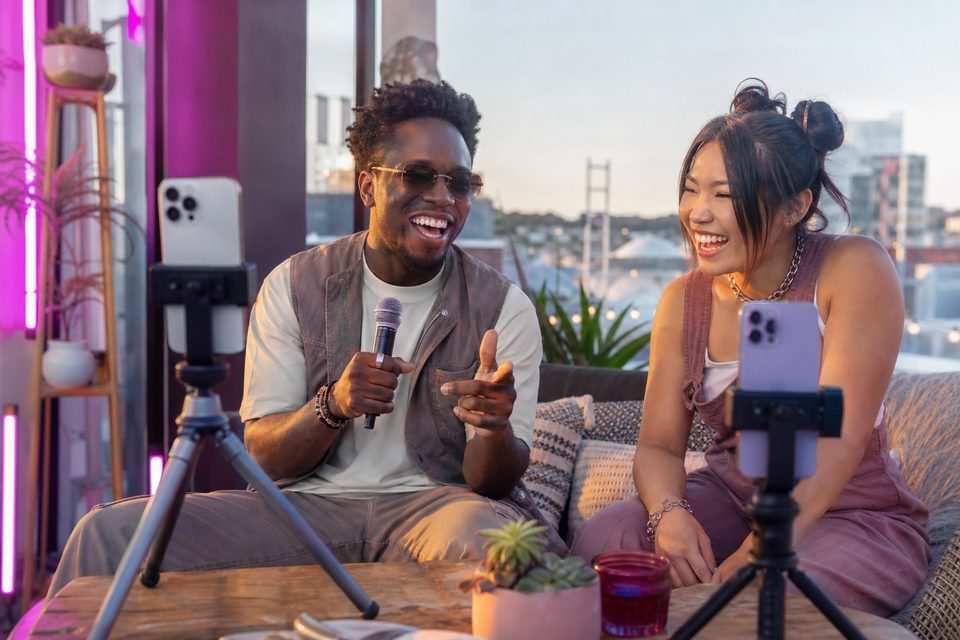
Color & Post-Production3 min read
A LUT is a predefined color mapping, not an automatic fix for exposure or white-balance differences. Use a technical transform appropriate to the source before applying a creative look.
Read guide ↗ Color & Post-Production3 min read
Make angle transitions feel natural by cutting for a reason: a new speaker, an important action, or a useful detail. The viewer should gain information without losing the scene's geography.
Read guide ↗ Color & Post-Production3 min read
Add mobile titles and callouts where they clarify the subject, with enough contrast and reading time at phone size. Motion should support the explanation rather than compete with it.
Read guide ↗ Color & Post-Production3 min read
Correct exposure mismatches by choosing a reference angle and making restrained adjustments to the others. Detail clipped during capture may be unavailable, so prevention remains part of the workflow.
Read guide ↗ Color & Post-Production3 min read
Reformat landscape coverage into vertical video by identifying the main subject and preserving the information viewers need. A centered automatic crop is not always appropriate for a multi-person scene.
Read guide ↗ Color & Post-Production3 min read
Keep synchronized dialogue and action at normal speed until the sequence is aligned, then apply speed changes deliberately in a capable editor. Capture frame rate and playback speed are different decisions.
Read guide ↗ Color & Post-Production3 min read
A dual-angle green-screen shoot needs an evenly lit background, separated subject lighting, and a clean key from each camera's view. One good angle does not guarantee the second will composite cleanly.
Read guide ↗ Color & Post-Production3 min read
Compare CapCut, LumaFusion, and DaVinci Resolve for iPad using the same sample project and your actual device. The right editor depends on required tools, supported media, and delivery rather than a universal winner.
Read guide ↗ Gaming & Tech Reviews3 min read
Treat facecam, handcam, and direct gameplay recording as distinct sources with distinct jobs. Two phone cameras can show the player and controller, while screen capture needs its own verified tool.
Read guide ↗ Gaming & Tech Reviews3 min read
Light a gaming desk with a useful face light first, then add RGB accents for atmosphere. Colored background light should not make skin, hardware labels, or controller movement difficult to read.
Read guide ↗ Gaming & Tech Reviews3 min read
Plan a tech unboxing around presenter context, package handling, and a few readable product details. Close-up coverage is useful only when the phone can focus and the action remains understandable.
Read guide ↗ Gaming & Tech Reviews3 min read
Capture a reaction against a clearly identified gameplay moment, then verify timing before publishing. A believable reaction video preserves what happened and avoids implying a response to unrelated footage.
Read guide ↗