What it does
AI Director’s Cut looks across your synced cameras and builds a first pass, so you can start with an actual cut instead of a blank timeline—and still change every scene.
 VidFuego
 A first cut without the long night
AI Director’s Cut looks across your synced cameras and builds a first pass, so you can start with an actual cut instead of a blank timeline—and still change every scene.
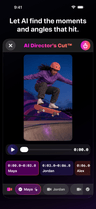
AI Director’s Cut
AI Director’s Cut looks across your synced cameras and builds a first pass, so you can start with an actual cut instead of a blank timeline—and still change every scene.
On-device vision analysis samples synchronized clips and evaluates qualities such as motion, focus, framing, and visual strength.
Available from Pro
Compare plansAI suggestions can be imperfect, repetitive, or miss the moment you care about. Review the complete cut before you export or share it.
AI Director’s Cut
VidFuego picks where the camera could switch, you watch it back, and anything that misses the moment gets one quick tap to change. AI handles the head start. You keep the taste.
VidFuego for iPhone
Start free, pull in your friends, and turn one moment into something worth posting. When you want more, take the paid creator tools for a seven-day spin.
Solo Dual-Cam, two-camera Nearby, Remix, 720p exports, and recordings up to 10 minutes—no trial needed.
Eligible new Enthusiast or Pro subscriptions can try paid creator tools free for 7 days.
Made for real ideas
From setup to share
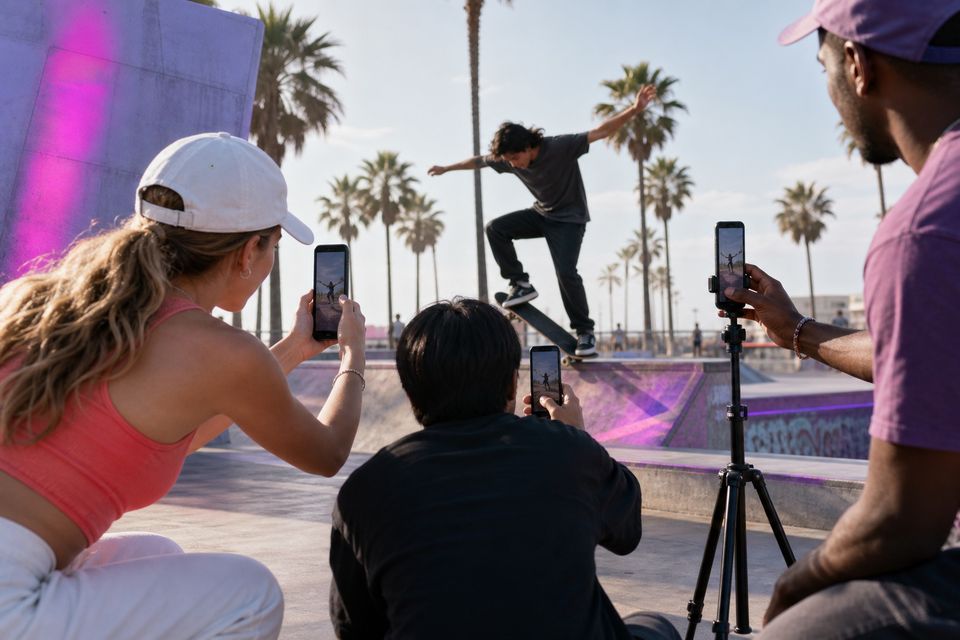
On-device vision analysis samples synchronized clips and evaluates qualities such as motion, focus, framing, and visual strength.
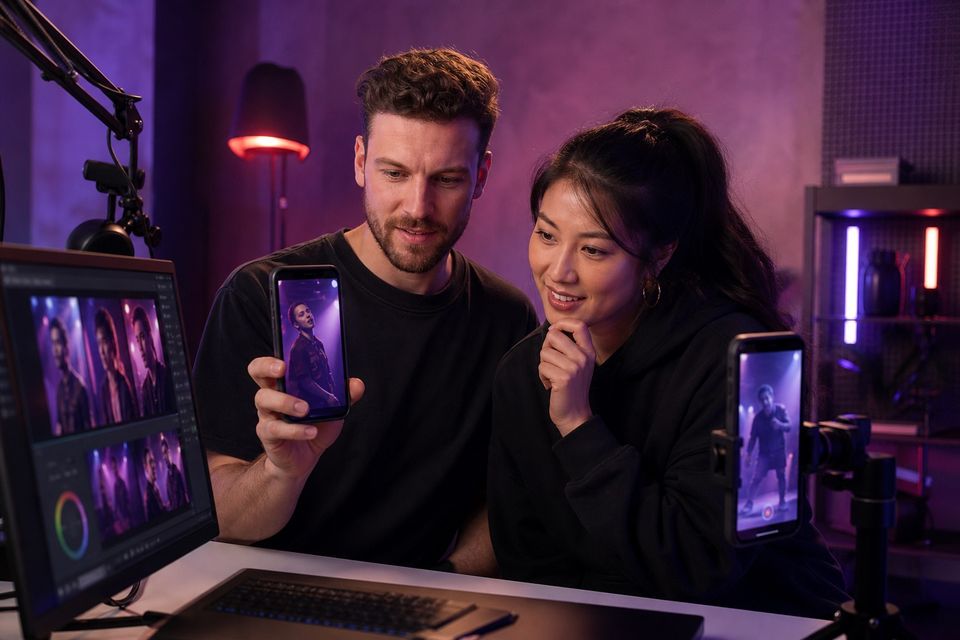
Preview the suggested sequence, move through scene blocks, and see which camera the analysis selected.
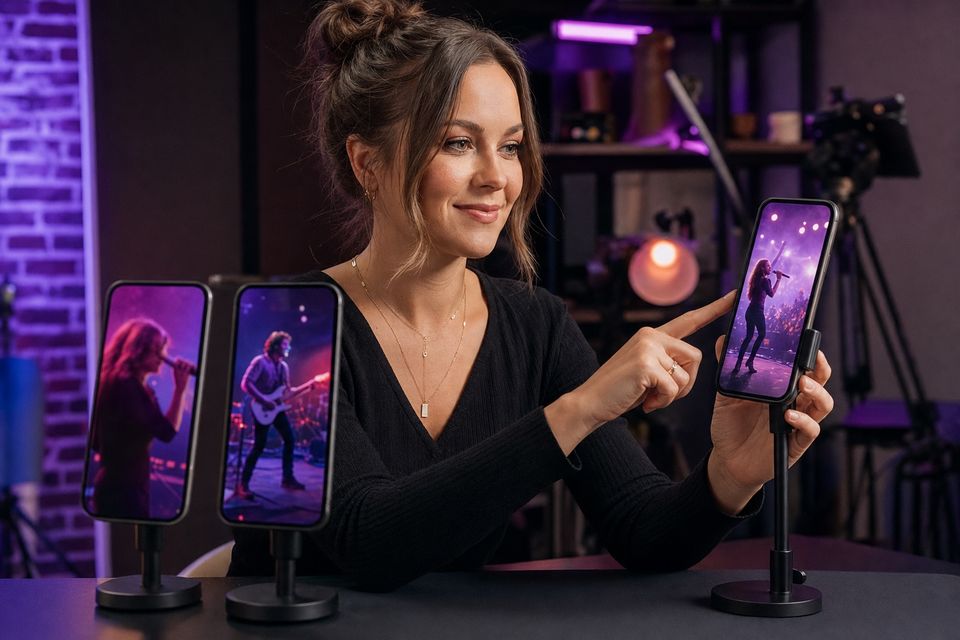
Choose a different camera for an individual scene, adjust the cut, preview the change, and export the completed result.
AI suggestions can be imperfect, repetitive, or miss the moment you care about. Review the complete cut before you export or share it.
Creator recording guides
With Pro, use on-device analysis to suggest a first multi-camera cut, then review scene choices against the meaning of the recording. Override a view that misses a useful expression or demonstration, and check the final export. The creator keeps editorial control.
Cut when the next view adds meaning: a speaker's point, a listener's reaction, or shared context. There is no mandatory interval for changing podcast angles.
Read the guidePair explanation with the action it describes, using a stable detail view for the steps that matter. Choose simultaneous panes when viewers need to compare both views directly.
Read the guideBuild a simple visual concept and record consistent performances with complementary coverage. Match the production to the locations, people, and rights you can actually manage.
Read the guideVIDFUEGO
Catch the action, your reaction, and the angle everybody else missed—then pull it together and drop it wherever you post.
Allow Google Analytics to measure website visits and App Store clicks? You can change this choice below at any time.Privacy