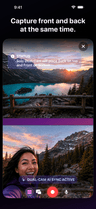
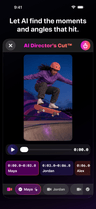
More angles at once
Catch the main shot, the reaction, and the close-up while the moment is actually happening.
 VidFuego
 Your ideas move fast. Your setup should too.
VidFuego turns iPhones into a flexible creator setup for demos, collabs, reactions, breakdowns, tutorials, performances, and the moments you could never plan. Capture the angles together, shape the story, and export without moving the whole project to a computer.
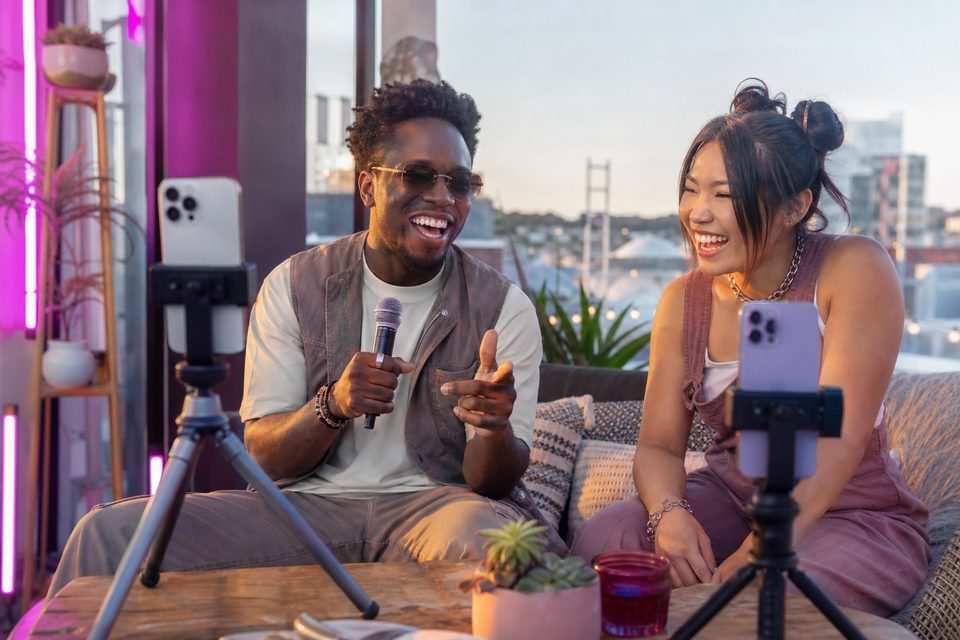
Catch the main shot, the reaction, and the close-up while the moment is actually happening.
Capture, review, style, and export inside the VidFuego iPhone workflow—no desktop handoff required.
Go solo, bring in more cameras, build on a reference, or let AI start the cut.
VidFuego for iPhone
Start free, pull in your friends, and turn one moment into something worth posting. When you want more, take the paid creator tools for a seven-day spin.
Solo Dual-Cam, two-camera Nearby, Remix, 720p exports, and recordings up to 10 minutes—no trial needed.
Eligible new Enthusiast or Pro subscriptions can try paid creator tools free for 7 days.
Made for the way creators actually create
The setup changes with the post—not the other way around.
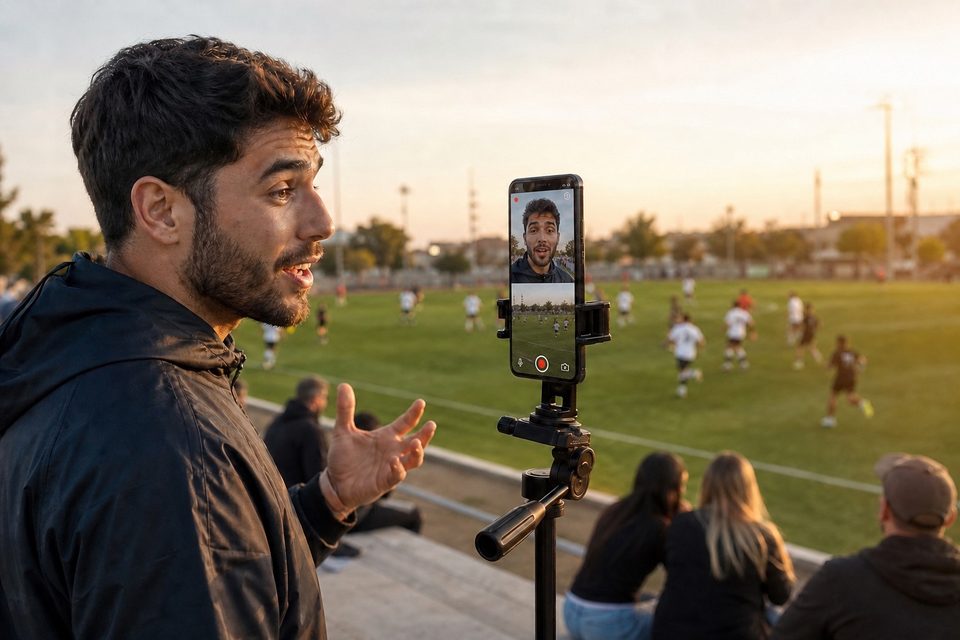
Use Solo Dual-Cam to keep your face and the thing you are showing in the same take. Product demos, affiliate finds, tutorials, coaching, reviews, unboxings, and quick explainers all get easier.
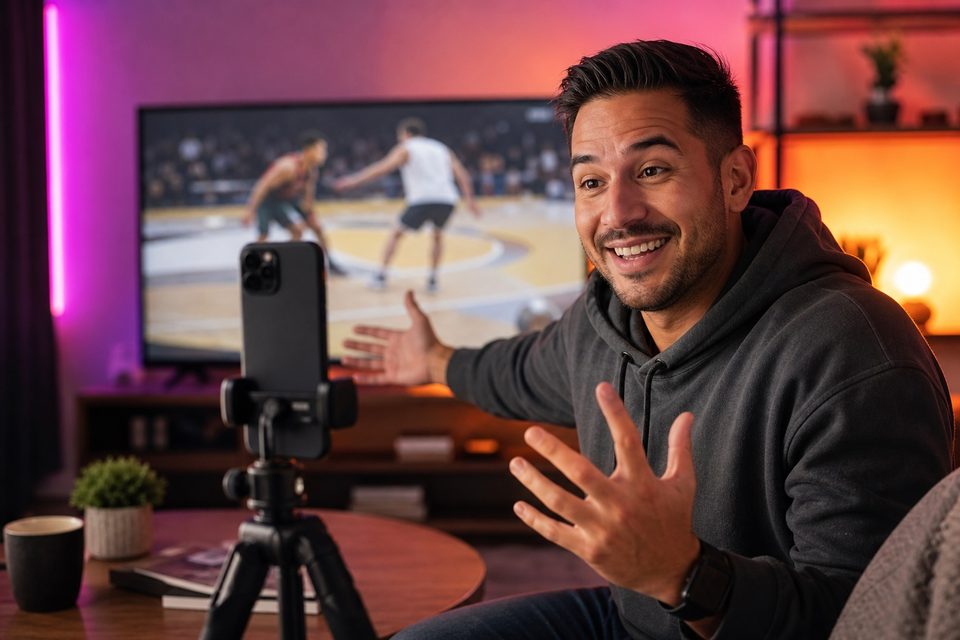
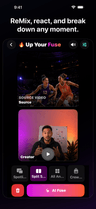
Use Remix for sports breakdowns, reactions, lessons, commentary, dance, music, and lip-sync content with video or audio you have permission to use.
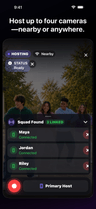
Use Squad Fuses to capture friends, guests, interviews, podcasts, performances, events, challenges, and brand shoots from more than one angle—already lined up.
One shoot can keep working
A good shoot rarely gives you just one idea. VidFuego helps you catch the pieces while everybody is already there.
Keep it moving
VidFuego is built to keep the core shoot-to-export flow on iPhone, so a quick idea does not turn into a night of moving files between devices and programs.
Pick your way in
You + what you see
Bring everybody’s angle
Watch it. Add your take.
Let AI start the cut
Plan your next recording
Choose a practical guide, rehearse with your own devices and follow the supporting setup advice before the full take.
Plan a conversation, arrange complementary views, test sound and decide which moments deserve a cut.
Launching a Multi-Camera Video Podcast with PhonesGive the presenter and work surface distinct views, rehearse real hand movements and keep each teaching step understandable.
Multi-Angle Cooking Shows: Syncing Overhead, Stove, and Host CamerasChoose views for the teaching point, preserve safe movement space and verify the performance and exported result.
Recording Workout Form from Multiple AnglesChoose permitted source media, define what your response adds and test the exact listening and capture arrangement.
A Clean Mobile Setup for Reaction VideosVertical framing, platform-safe layouts, compression checks and upload preparation for mobile creators sharing VidFuego exports.
TikTok, Reels and Shorts: A Practical Video Export ChecklistPractical AI-assisted scripts, hooks, shot lists and planning systems that prepare creators for recording in VidFuego.
Using AI to Draft a Short Video Script Before RecordingFind useful excerpts, plan reusable camera coverage and adapt VidFuego recordings for different audiences without unnecessary reprocessing.
Planning Multiple Useful Clips From One Master ShootMedia kits, sponsorship scopes, rights, disclosures and production measurement for creators delivering honest branded video.
Building a Creator Media Kit With Real Video ExamplesClear openings, purposeful angle changes, accessible text and careful retention analysis for creators improving their video storytelling.
Writing a Clear Opening Instead of Chasing a Three-Second RuleBackground depth, practical decor, acoustic placement and repeatable small-room sets for multi-angle mobile recording.
Creating Separation Between a Presenter and the BackgroundDesk-based product tests, hands-on detail shots, reflective surfaces and repeatable unboxing coverage with supported iPhones.
Assigning Camera Roles for a Multi-Angle Tech ReviewVideo summaries, transcripts, metadata, structured data and linked content hubs that help creators publish understandable recording resources.
How Search and AI Experiences Can Discover Creator VideosPermission-aware Remix recording, source-and-presenter layouts, listening checks and commentary that contributes useful context.
Screening Source Material Before a Commentary RecordingGuest preparation, Anywhere session rehearsals, remote recording quality and practical review systems for creators working across locations.
Choosing Anywhere or Asynchronous Recording for a Remote InterviewEvaluate audience questions, subject access and production fit before committing to a creator niche or channel promise.
The Creator Niche Matrix: Passion, Demand and Production FitPractical app-first capture, synchronization checks, Remix review and measured multi-camera workflow comparisons for creators.
Using Multi-Angle Video to Make Expertise Easier to AssessDevelop distinct episode ideas, understandable demonstrations and coherent series with purposeful multi-angle recording formats.
Ten Systems for Building a Useful Video Idea BankCompare viewing contexts, review portrait exports and prepare accurate destination-specific publishing information for creator videos.
Choosing a Primary Platform for Your Creator FormatPlan realistic schedules, batch compatible episodes and document repeatable recording, review and publishing routines without skipping checks.
Choosing a Publishing Schedule You Can SustainEvaluate creator revenue models, client deliverables, transparent partnerships and business records with realistic production requirements.
Seven Creator Revenue Models and Their RequirementsDesign honest openings, motivated angle changes and clear visual stories, then use actual feedback to test understanding and retention.
Designing a Clear Opening for a Short VideoBuild safe, compact phone recording arrangements by checking compatibility, available resources, sound, lighting and complete setup costs.
Planning a Low-Budget Multi-Camera StudioCreate clear channel profiles, readable visual identity and honest on-camera positioning supported by useful demonstrations and personal boundaries.
Defining an On-Camera Persona with Clear BoundariesInterpret creator metrics carefully, test production changes and build explicit handoff and team routines before expanding channels or output.
Understanding Impressions, CTR, Watch Time and RPMMake the idea before it gets old
Start free, find the mode that fits your thing, then try the bigger creator tools free for 7 days.
Allow Google Analytics to measure website visits and App Store clicks? You can change this choice below at any time.Privacy