Podcasts & Interviews3 min read
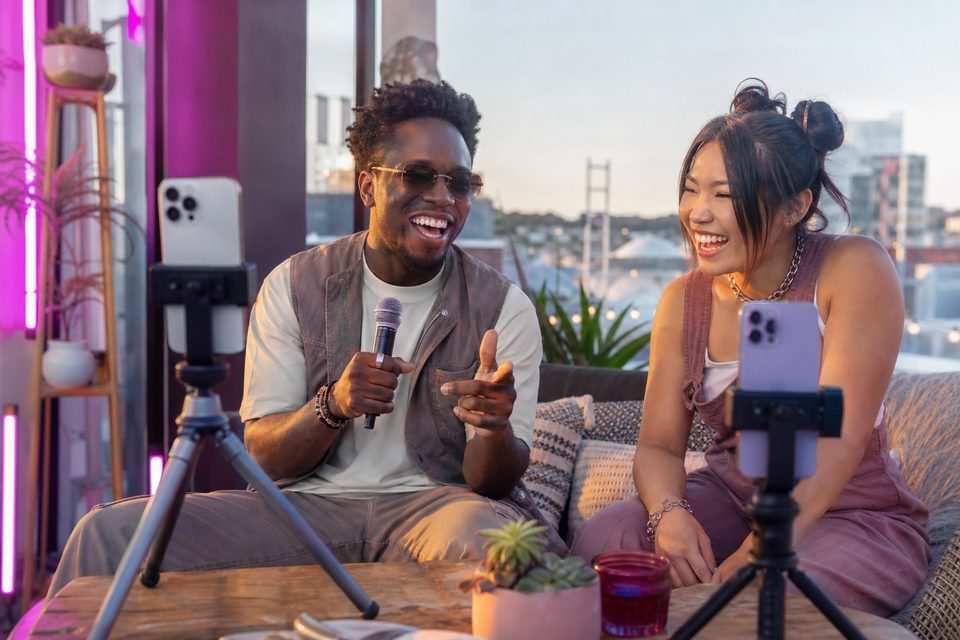
Start with a clear show format, reliable sound, and two useful camera views. Phones can provide practical coverage when you rehearse the complete recording workflow.
Read guide ↗ Podcasts & Interviews3 min read
Arrange people for a natural conversation, then place microphones and cameras around them. Allow enough background distance and keep the production area usable.
Read guide ↗ Podcasts & Interviews3 min read
A second angle helps when it reveals gestures, notes, or a demonstration. Two almost-identical talking-head views may add motion without adding meaning.
Read guide ↗ Podcasts & Interviews3 min read
Plan the conversation connection, local recording, and final edit as separate parts of the workflow. A remote recording session does not automatically replace a live call or audio interface.
Read guide ↗ Podcasts & Interviews3 min read
Use a dependable group view and assign closer angles to the speakers or interactions that matter most. Match the camera count to the supported workflow rather than every seat.
Read guide ↗ Podcasts & Interviews3 min read
Build a background that supports the conversation without competing with faces. Depth, controlled brightness, and a few relevant objects work better than visual clutter.
Read guide ↗ Podcasts & Interviews3 min read
Choose a receiver, mixer, or interface that records the voices you need through a verified phone and app connection. Input count and saved track count are different things.
Read guide ↗ Podcasts & Interviews3 min read
Cut when the next view adds meaning: a speaker's point, a listener's reaction, or shared context. There is no mandatory interval for changing podcast angles.
Read guide ↗ Podcasts & Interviews3 min read
Choose a self-contained question and answer, then use recorded views that support it. Audio-only episodes need new visual material; they do not contain missing camera coverage.
Read guide ↗ Podcasts & Interviews3 min read
Prioritize dependable sound, stable mounting, and fast setup over carrying a miniature full studio. Test the kit in a location similar to the interview environment.
Read guide ↗ Music & Performance3 min read
Capture one complete view of the group and complementary views of the performance. Plan sound first because loud rooms can overwhelm phone microphones.
Read guide ↗ Music & Performance3 min read
Use one consistent permitted playback track and rehearse precise timing. Match the performance to the music, then verify mouth movements in the final result.
Read guide ↗