What it does
Choose video or audio you have permission to use, then react, break it down, teach it, perform with it, or lip-sync it while VidFuego keeps your take lined up.
 VidFuego
 Play it. Shoot it. Remix it.
Choose video or audio you have permission to use, then react, break it down, teach it, perform with it, or lip-sync it while VidFuego keeps your take lined up.
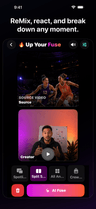
VidFuego Remix
Choose video or audio you have permission to use, then react, break it down, teach it, perform with it, or lip-sync it while VidFuego keeps your take lined up.
Select video or audio you are allowed to use, then choose the part you want to play against.
Available from Free
Compare plansYou are responsible for having permission to use, share, record against, and publish copyrighted video or audio. A VidFuego invitation does not grant rights to the reference.
VidFuego Remix
Remix keeps your take aligned with the reference, so a great sports moment can become a breakdown, a song can become a performance, and the clip everybody is talking about can finally get your take.
VidFuego for iPhone
Start free, pull in your friends, and turn one moment into something worth posting. When you want more, take the paid creator tools for a seven-day spin.
Solo Dual-Cam, two-camera Nearby, Remix, 720p exports, and recordings up to 10 minutes—no trial needed.
Eligible new Enthusiast or Pro subscriptions can try paid creator tools free for 7 days.
Made for real ideas
From setup to share
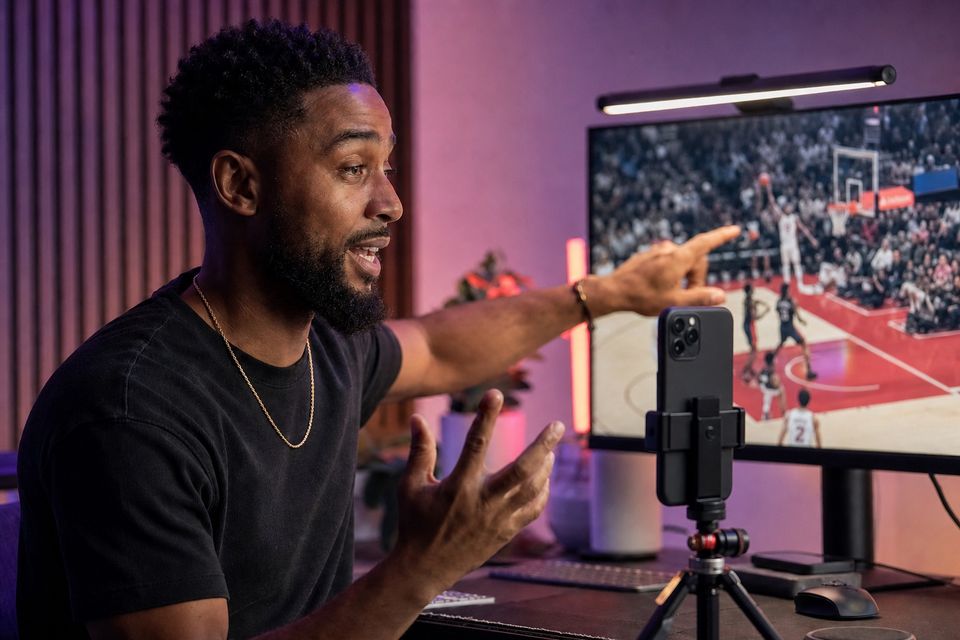
Select video or audio you are allowed to use, then choose the part you want to play against.
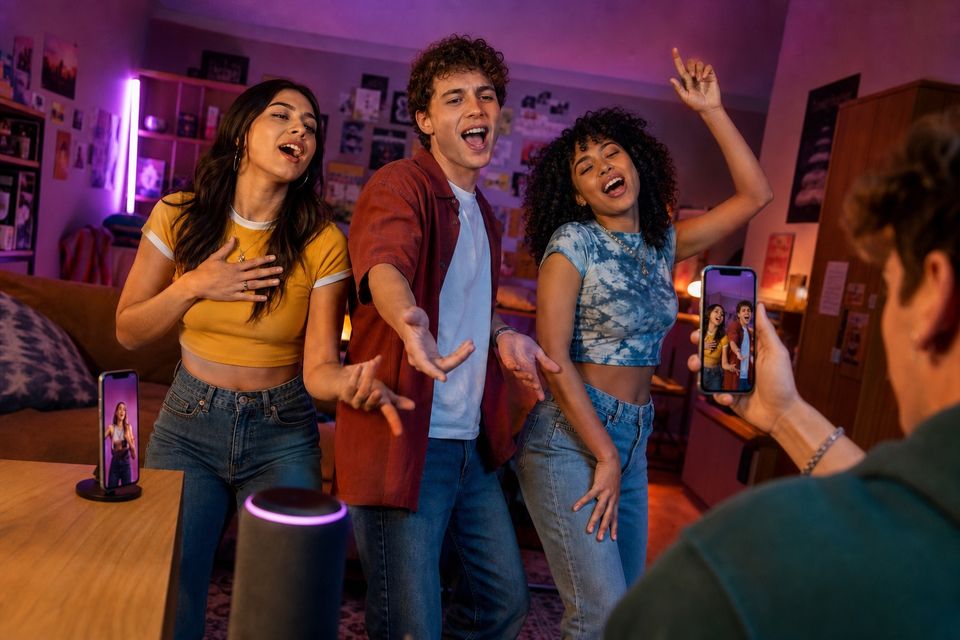
VidFuego asks you to confirm your rights before it creates a protected session copy. Invited participants receive only what the session needs.
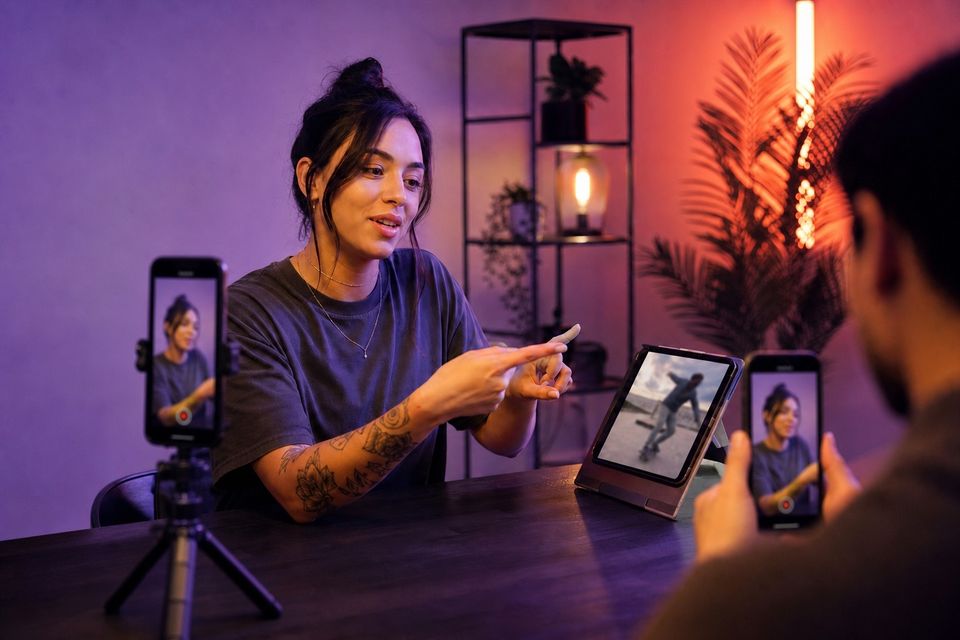
Use synchronized playback and timing controls, capture the response, then choose source-focused layouts, audio mix options, Text & Vibes, and export.
You are responsible for having permission to use, share, record against, and publish copyrighted video or audio. A VidFuego invitation does not grant rights to the reference.
Creator recording guides
Choose source media you have permission to use and define what your response adds. Test the exact playback and microphone arrangement with a short sample, then inspect the exported result before a longer take. Importing a source does not grant publication rights.
Make the source understandable and the reaction visible without letting either overwhelm the other. Plan sound carefully so playback does not become distracting echo.
Read the guideUse one consistent permitted playback track and rehearse precise timing. Match the performance to the music, then verify mouth movements in the final result.
Read the guideCompare the complete input path, including latency and routing, rather than assuming wireless convenience means recording compatibility. Wired and dedicated wireless receivers need testing too.
Read the guideVIDFUEGO
Catch the action, your reaction, and the angle everybody else missed—then pull it together and drop it wherever you post.
Allow Google Analytics to measure website visits and App Store clicks? You can change this choice below at any time.Privacy